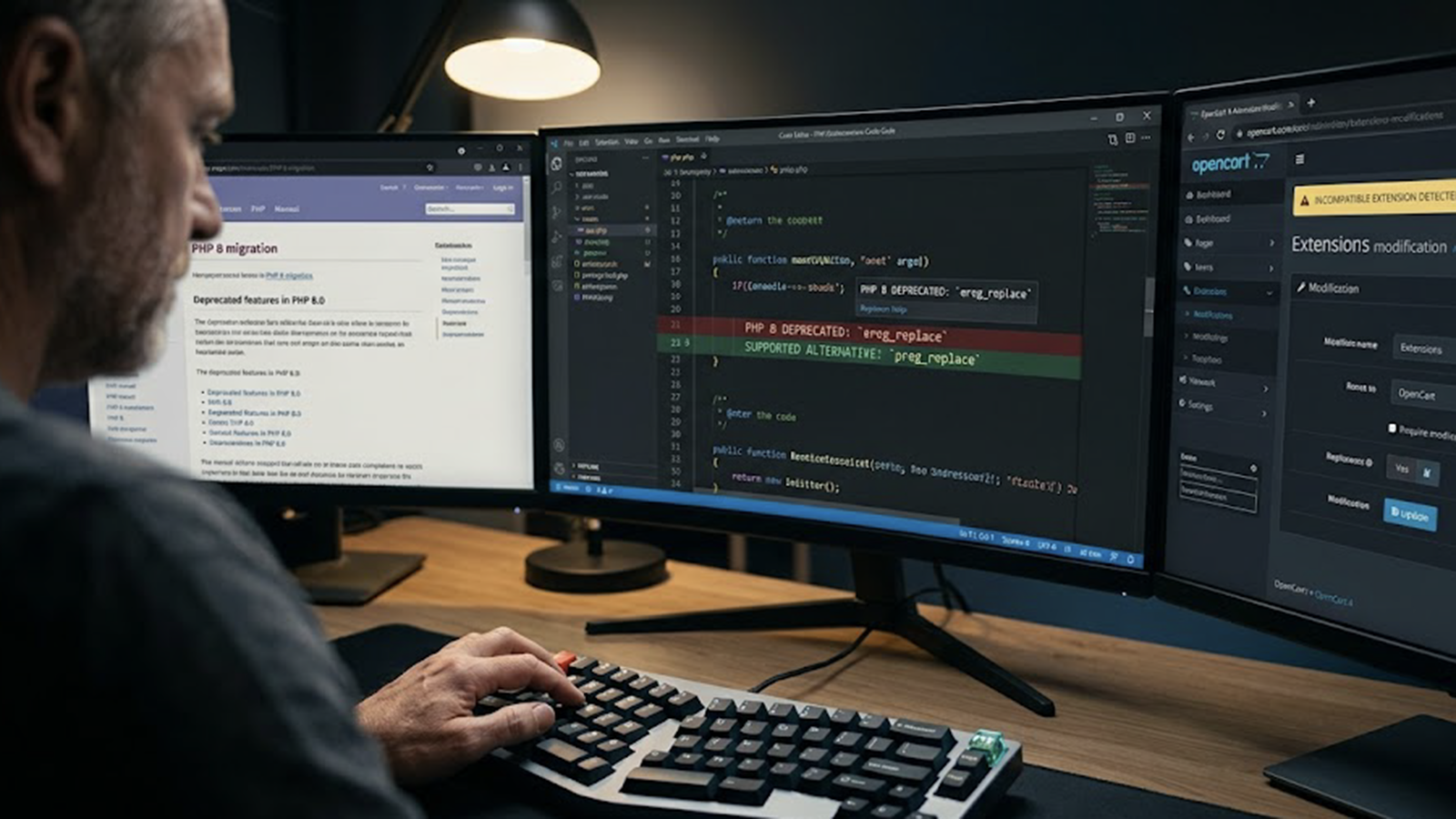
Modern Laravel security is no longer just about configuration, it is about automation, intelligent monitoring, and layered defence.
As of 2026, Laravel 12 is the current stable version, with Laravel 13 expected shortly. Whether you are running Laravel 10, 11 or 12, your application must be secured against evolving cyber threats affecting UK businesses.
This guide explains how to secure Laravel applications using:
- Cloudflare edge protection
- PHPStan + Larastan static analysis
- ELK Stack AI-powered monitoring
- CI/CD automated security scanning
- Core Laravel hardening best practices
If you provide Laravel development services or operate a production platform, this article serves as a complete Laravel security blueprint.
Why Laravel Security Matters in 2026
Cyber attacks targeting web applications continue to rise across the UK.
Laravel applications are commonly targeted through:
- SQL injection
- Cross-site scripting (XSS)
- API abuse
- Credential stuffing
- Bot-driven scraping
- Dependency vulnerabilities
A secure Laravel application protects:
- Customer data
- Payment workflows
- GDPR compliance
- Brand reputation
- Operational uptime
Security must now be engineered into every layer of your stack.
1. Layer 1: Cloudflare Edge Security (AI Bot Protection)
Before traffic reaches your Laravel server, it should be filtered.
Cloudflare provides:
- DDoS protection
- Web Application Firewall (WAF)
- AI-powered Bot Management
- Rate limiting
- Credential stuffing detection
Cloudflare Bot Management for Laravel
Cloudflare’s machine-learning models analyse behaviour patterns such as:
- Rapid login attempts
- Suspicious IP reputation
- Headless browser behaviour
- Automated scraping patterns
This prevents brute-force and bot attacks before they hit your Laravel application.
For forms, you can implement Cloudflare Turnstile instead of traditional CAPTCHA, reducing friction while maintaining bot protection.
This dramatically lowers server load and reduces application-level attack exposure.
2. Layer 2: Secure Laravel Production Configuration
Disable Debug Mode
| APP_ENV=productionAPP_DEBUG=falseLOG_LEVEL=error |
Debug mode can expose:
- Stack traces
- SQL queries
- File paths
- Environment variables
This remains one of the most common Laravel misconfigurations.
Protect the .env File
Block access at server level:
| location ~ /\.env { deny all;} |
Use secure secret management for production environments instead of plain text configuration files.
3. Layer 3: Secure Coding with PHPStan + Larastan
Static analysis is essential for secure Laravel development.
Install:
| composer require –dev phpstan/phpstancomposer require –dev nunomaduro/larastan |
Run at strict level:
./vendor/bin/phpstan analyse –level=9
At higher levels, PHPStan can help identify:
- Risky type handling
- Null reference issues
- Logic vulnerabilities
- Dangerous function usage
- Weak validation patterns
Static analysis ensures insecure code never reaches production.
4. Layer 4: AI-Powered Monitoring with ELK Stack
Security is incomplete without monitoring.
The ELK Stack (Elasticsearch, Logstash, Kibana) enables real-time Laravel log ingestion and behavioural anomaly detection.
AI-Based Anomaly Detection
Using Elastic machine learning features, you can detect:
- Sudden spikes in failed logins
- Unusual admin activity
- Suspicious API request frequency
- Traffic anomalies outside normal patterns
For example:
- If your application typically sees 5 failed logins per hour, but suddenly records 200 within minutes, ELK can flag the anomaly automatically.
This transforms Laravel security from reactive debugging to proactive threat detection.
Alternative for Smaller UK Businesses
If ELK is too heavy for smaller teams, consider:
- Laravel Pulse for application metrics
- Sentry for real-time exception monitoring
- Lightweight log monitoring solutions
These can still integrate into AI-driven analytics platforms later.
5. Layer 5: CI/CD Security Automation (DevSecOps)
Security must be embedded into your deployment pipeline.
Example GitHub Actions Workflow
| name: Laravel Security Pipeline on: [push] jobs: security-check: runs-on: ubuntu-latest steps: – uses: actions/checkout@v3 – name: Install Dependencies run: composer install –no-progress –prefer-dist – name: Composer Audit run: composer audit –locked – name: Static Analysis run: ./vendor/bin/phpstan analyse –level=9 |
This ensures:
- Vulnerable packages cannot be deployed
- Security checks run automatically
- Every commit is validated
DevSecOps is now a core part of Laravel security strategy.
6. Core Laravel Hardening Practices
Prevent Mass Assignment
| protected $fillable = [‘name’, ’email’]; |
Never allow sensitive fields such as is_admin to be mass assignable.
Prevent SQL Injection
Use parameter binding:
| User::where(’email’, $email)->first(); |
Never inject user input into raw SQL queries.
Rate Limiting (Improved Example)
Register in RouteServiceProvider:
| RateLimiter::for(‘login’, function ($request) { return Limit::perMinute(5) ->by($request->ip() . ‘|’ . $request->input(’email’));}); |
This protects login endpoints from credential stuffing.
Secure File Uploads
| $request->validate([ ‘file’ => ‘required|file|mimes:jpg,png,webp|max:2048’,]); |
Never trust client-provided filenames.
7. Laravel 12 & Preparing for Laravel 13
Laravel 12 continues to strengthen:
- Performance
- Middleware structure
- Real-time broadcasting (Reverb)
- Improved developer tooling
Preparing for Laravel 13 means:
- Keeping dependencies updated
- Maintaining strict static analysis
- Using encrypted model casts
- Reviewing queue and job security
- Ensuring API token management remains scoped
Keeping up to date reduces exposure to known vulnerabilities.
Layered Laravel Security Architecture
A secure Laravel application in 2026 should follow this layered model:
- Cloudflare Edge Protection
- HTTPS + Security Headers
- Secure Laravel Configuration
- Static Analysis (PHPStan + Larastan)
- Dependency Audit (Composer Audit)
- AI Log Monitoring (ELK)
- CI/CD Security Automation
This defence-in-depth approach dramatically reduces risk.
Laravel Security Checklist (2026)
| Security Layer | Implemented |
| Cloudflare WAF | |
| Bot Protection | |
| Debug disabled | |
| Secure environment config | |
| Static analysis (Level 9) | |
| Dependency audit | |
| CI/CD scanning | |
| SQL protection | |
| Mass assignment secured | |
| File upload validation | |
| AI anomaly detection |
FAQs
What is the best way to secure a Laravel application in 2026?
Use layered security: Cloudflare WAF, static analysis, dependency audits, AI-based monitoring, and CI/CD scanning.
Does Laravel include built-in security?
Yes. Laravel includes CSRF protection, encryption, validation and rate limiting — but these must be configured properly.
Can AI improve Laravel security?
Yes. AI tools such as Cloudflare Bot Management and ELK anomaly detection identify suspicious behaviour patterns automatically.
Is Laravel 12 secure?
Yes, when configured properly and kept updated. Security depends on implementation, not just framework version.
Should I use static analysis for Laravel?
Absolutely. PHPStan + Larastan prevent insecure code from reaching production.
Conclusion
Laravel security in 2026 requires more than configuration tweaks. It demands:
- Automated scanning
- AI-driven anomaly detection
- Edge-based protection
- Secure coding practices
- Continuous monitoring
By combining Cloudflare, PHPStan + Larastan, ELK monitoring and CI/CD security automation, you can build a secure Laravel application ready for modern UK cyber security expectations.
If you are looking for professional Laravel security hardening or a full security audit, explore our Laravel development and security services.